


Set up alternative printing methods

Last updated: Jun 09, 2026
167
views

Registering alternative methods or backup solutions for printing without a school key
PIN and ID to login
- Set up a PIN and code for printing
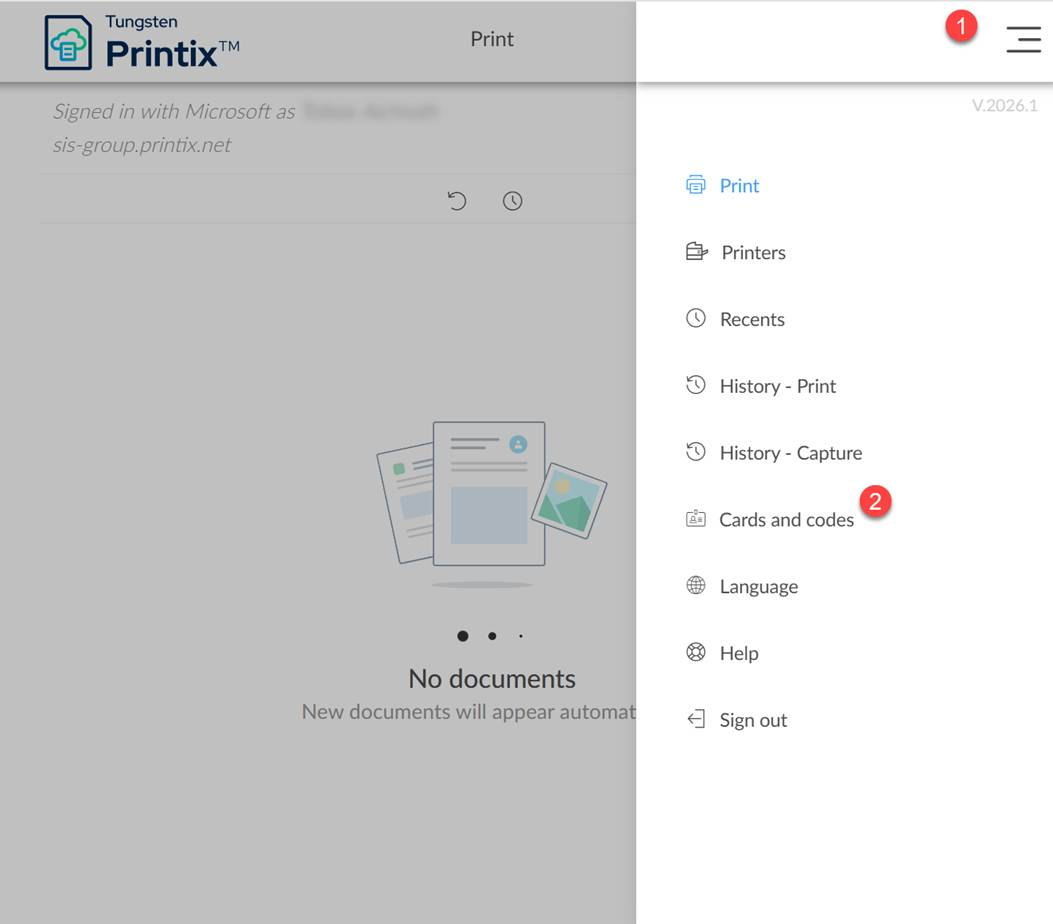
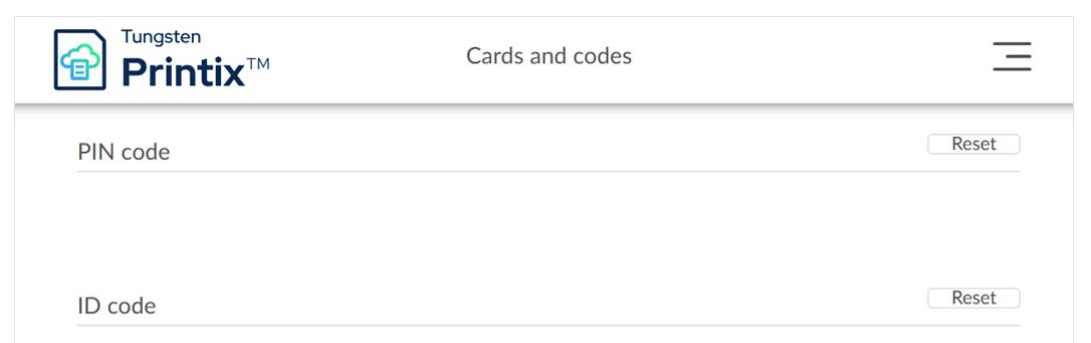
Please log in to https://sis-group.printix.net and go to the menu "Cards and Codes"
2. Click “Reset PIN” and “Reset ID Code,” set up a PIN, and write it down so you can log in to a printer
SIS Badge to login

Please ask your school's office to obtain one of these badges so it can be registered like a school key. Follow the instructions on this website.

